×
New on the blog
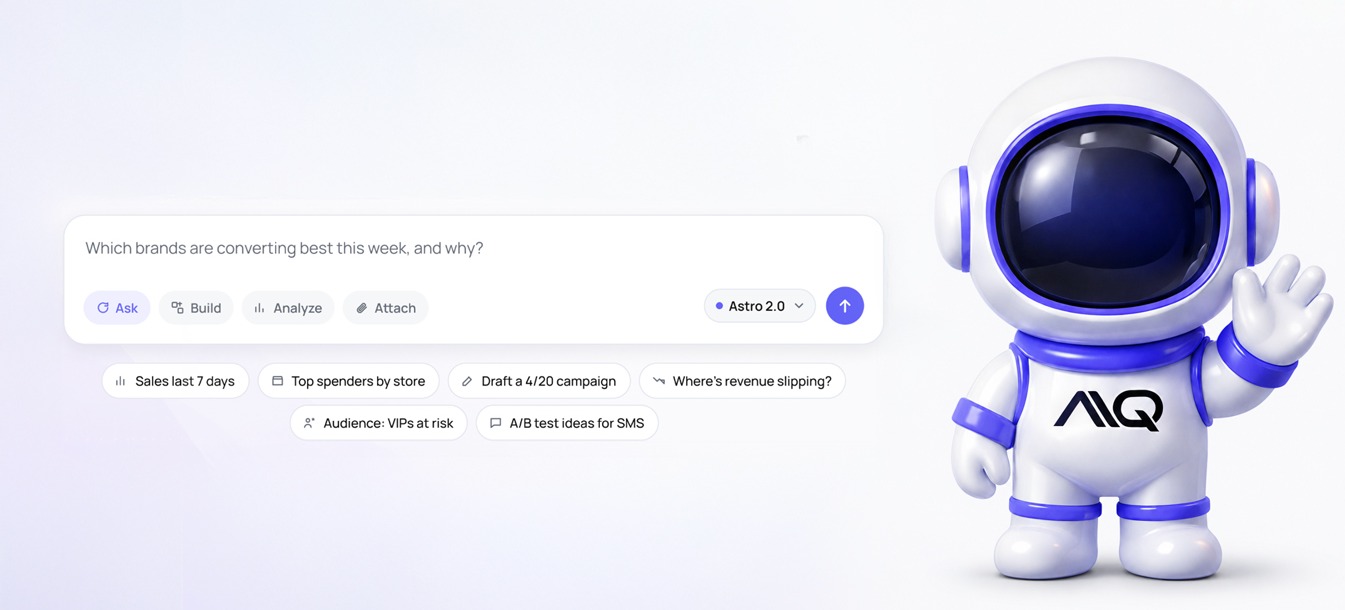
Meet Astro. The AI operating system for AIQ.
"Build me a 20% off campaign for lapsed customers." Astro can have it ready before you finish your coffee. You decide when it sends.
See what Astro can do →New on the blog
"Build me a 20% off campaign for lapsed customers." Astro can have it ready before you finish your coffee. You decide when it sends.
See what Astro can do →.jpg)
If your customers are on iPhones, there's a good chance some of your SMS messages aren't landing where you think they are, and it's not a sending issue. It's a recognition issue.
Since iOS 16, Apple has routed texts from unknown numbers into a separate Unknown Senders folder, effectively hiding them from the main inbox. For shoppers who haven't saved your brand as a contact, your carefully crafted campaigns may never get seen at all.
The good news: AIQ has a built-in fix, and it takes just a few minutes to set up.
A contact card (also called a vCard) is a digital business card AIQ sends on your behalf so customers can save your brand directly to their contacts. Once saved, your number is recognized, and your messages go straight to the main inbox instead of getting buried in unknown senders.
It's one of the simplest things you can do to protect your SMS deliverability, and it costs no additional credits beyond the standard send.
AIQ handles contact card delivery in two ways:
Automatic sends — Whenever a new contact opts in (or re-opts in after unsubscribing), AIQ automatically sends your vCard along with the message: "Add us to your contacts to keep messages out of 'Unknown Senders.'" This happens once per contact within any 90-day window, so you're not spamming anyone.
Campaign sends — You can also push your contact card to existing opted-in subscribers through a dedicated campaign. This is especially useful for:
Navigate to Settings > Texting > Add to Contacts Card inside your AIQ dashboard. You'll fill in a few fields, most of them auto-populate from your existing account settings:
Hit save, and you're live. From that point forward, AIQ will automatically send your vCard to new opt-ins and you can deploy campaign sends whenever it makes sense.
Please note the phone number will be auto-filled based on your 10DLC registered number.
If any of the following apply to you, enabling your contact card should be at the top of your list:
Even if you're not experiencing obvious issues, enabling contact cards is a proactive deliverability measure, especially as iOS filtering continues to evolve.
Setting up your contact card is one of the fastest, highest-impact things you can do to enhance your texting open rates. If you haven't enabled it yet, now's the time.
Head to Settings > Texting > Add to Contacts Card in your dashboard, or reach out to your AIQ CSM or AIQ Support via the chat widget if you have any questions along the way.