Every way your customers like to order.
Pickup, curbside, drive-through, delivery, kiosk, and after-hours ordering, with tools that keep your team moving.
Book a demoOrder your wayExample
JUNIPERCOFFEE & COMPANYYour order
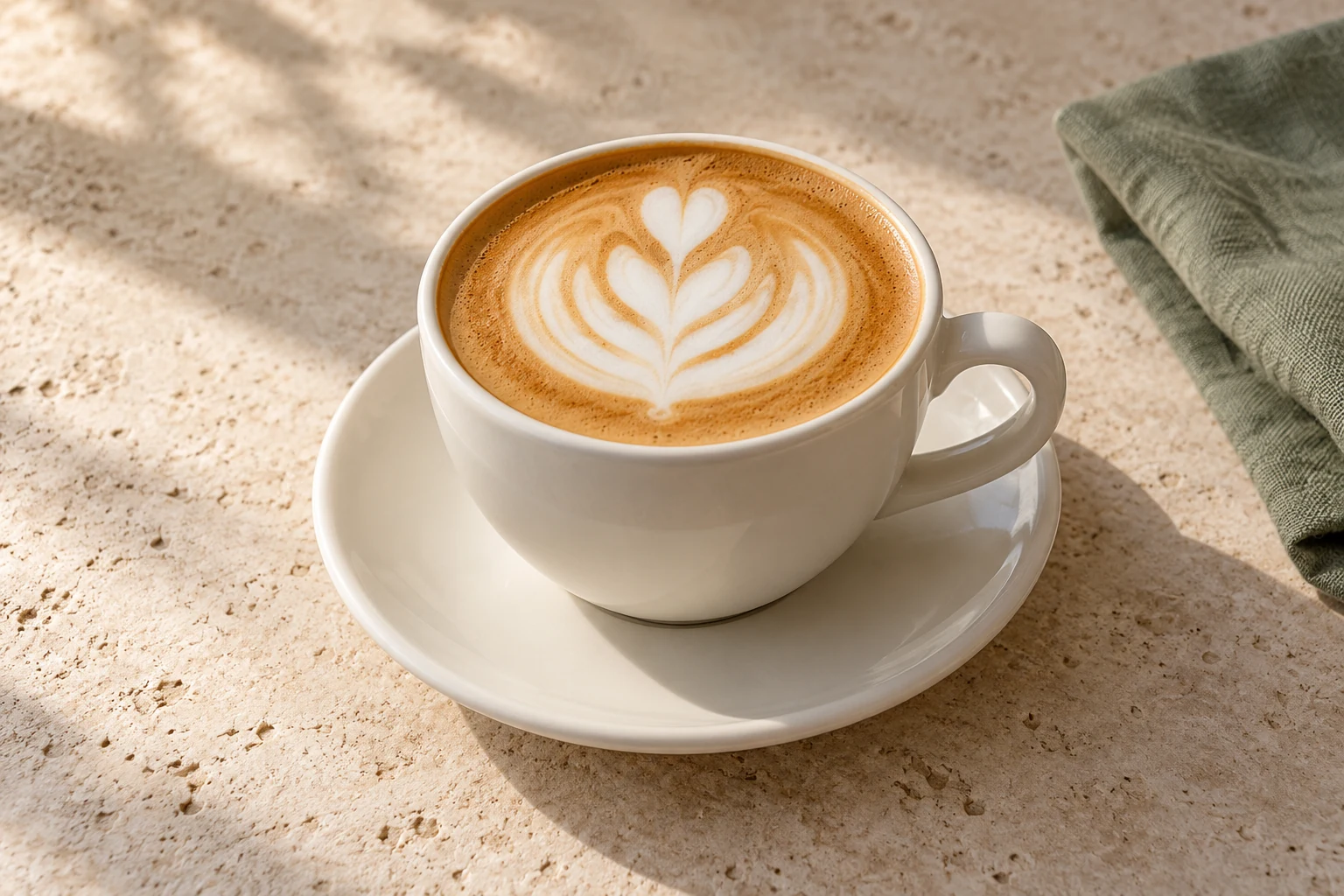
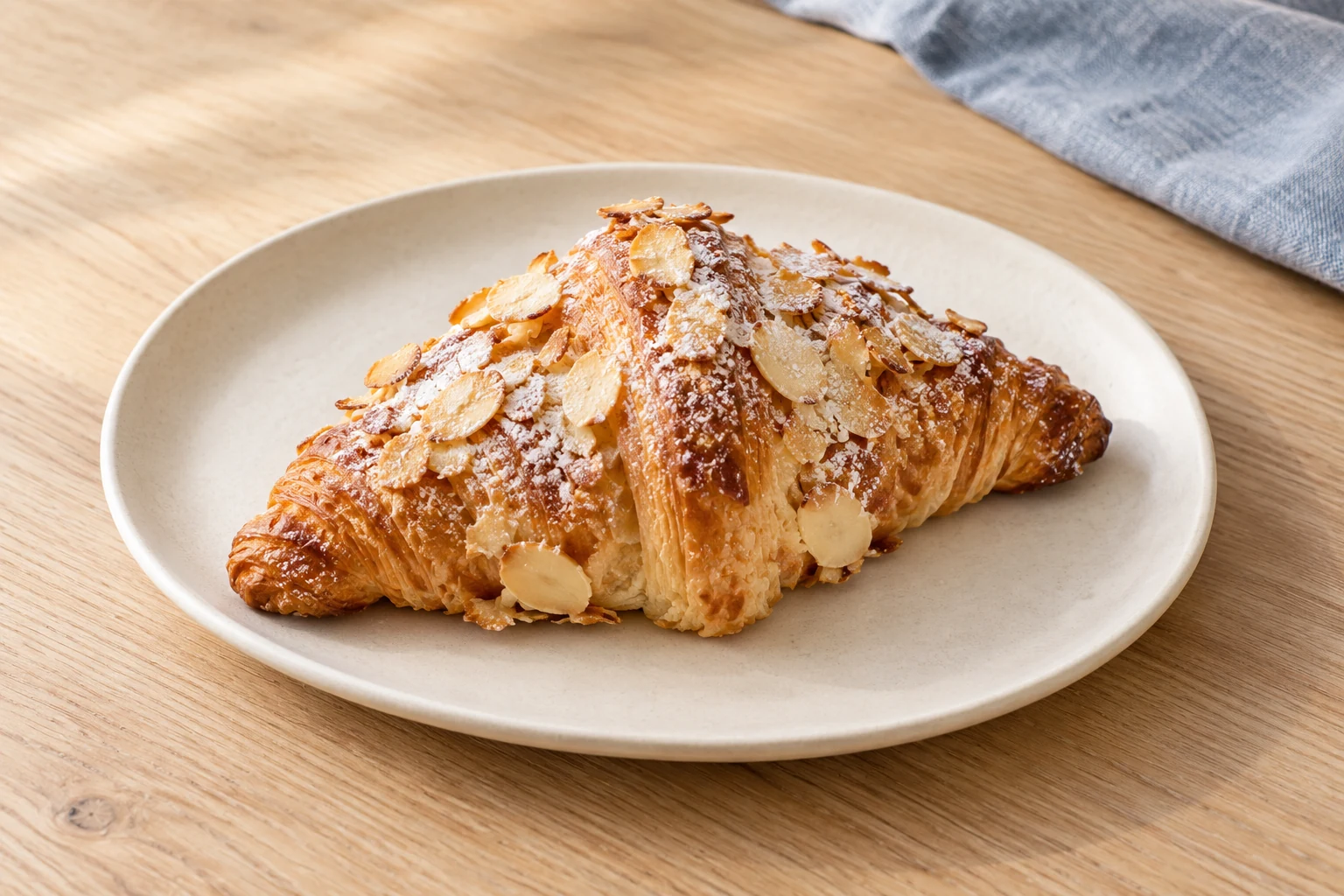
Almond croissant1 × $4.50
Juniper DowntownPickup · Example time 2:30 PM
DeliveryConfigured delivery zone and fee
Curbside pickupJuniper Downtown · Example order type
Example subtotal$9.50
Try a quantity or fulfillment option.
Local cart preview. No purchase or payment is made.
Convenience wins the order.
The easier it is to order the way they want, the more often customers come back to order again.

Pickup at Juniper DowntownOrder #1042 · Illustrative example
ReadyPickup or preorderCollect in store.
Curbside or drive-throughStay outside the store.
DeliveryConfigured zones and fees.
Kiosk or walk-upA browser-based device in store.
After hoursAn order for the next business day.
Tools for busy stores.
- Order management
- Filter, edit, and fulfill every order in one place.
- Order queues
- Manage shopper flow in high-volume stores.
- Printing
- Print orders automatically with supported printers.
- Payments
- Choose which payment types each order type accepts.
- Staff app
- Manage orders on iOS, iPadOS, and Android.
Order managementExample
Keep the counter moving.Example queue
| Order | Type | Status |
|---|---|---|
| #1042Maya R. | Pickup | Ready |
| #1043Jordan T. | Delivery | Preparing |
| #1044Alex L. | Pickup | New |
| Order | Type | Status |
|---|---|---|
| #1042Maya R. | Pickup | Ready |
| #1044Alex L. | Pickup | New |
| Order | Type | Status |
|---|---|---|
| #1043Jordan T. | Delivery | Preparing |
PrintingSupported printers
PaymentsBy order type
Staff appiOS · iPadOS · Android
Filter this local example. No orders are changed.